ChatGPT's new Computer History feature logs keystrokes and screen activity on macOS
01
Top story

When a staff member asks ChatGPT a question on their work Mac, the answer now draws on more than what they typed. A new feature called Computer History monitors clicks, keystrokes, and unfinished tasks across the machine, building a timeline that ChatGPT can reference when responding. OpenAI designed it to let the assistant pick up half-finished tasks and suggest automations based on your habits. Firms should check whether the feature is enabled on staff machines and decide whether that level of system access sits comfortably with their client confidentiality obligations.
02
Quick hits
-
 Tooling
Google lets users remove visible watermarks from AI-generated images
Google's AI image tool now lets you strip the visible watermark before sharing an image with a client. An invisible identifier stays embedded in the file regardless, so the image can still be verified as AI-generated even after the visible mark is gone. -
 Pricing
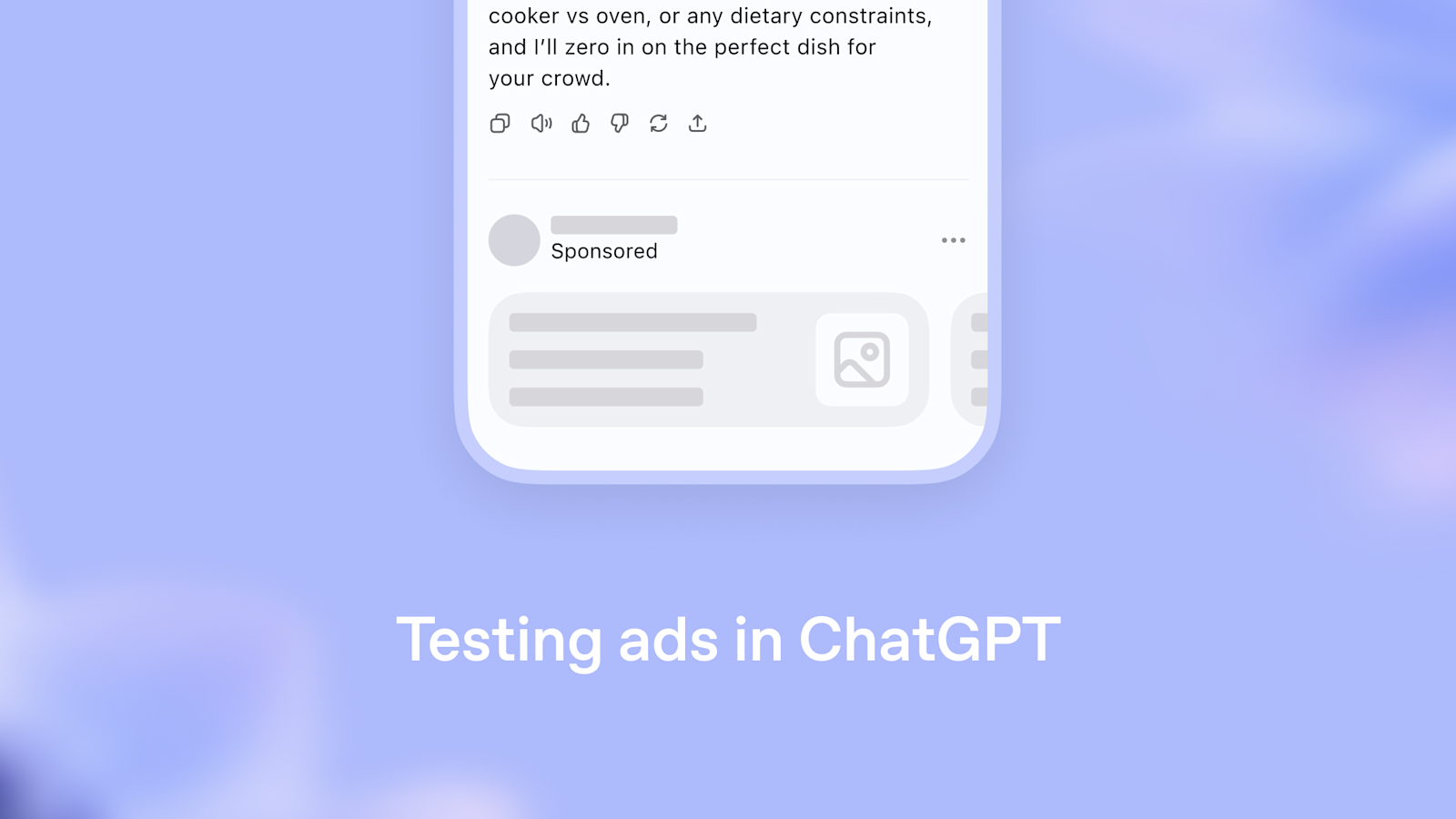
OpenAI begins testing ads inside free ChatGPT
Ads are coming to the free tier of ChatGPT. OpenAI says answers will stay independent of sponsors and labeling will be clear, but practices that have staff on free accounts may want to look at whether a paid plan makes more sense. -
 Practice
Anthropic publishes details on how Claude's text watermarks work
Anthropic has released more detail on how watermarking functions in Claude's outputs, including what happens when content is edited and how the marker applies across different content types. Firms using Claude on client-facing documents should read it before assuming the watermarks are either invisible or easy to remove.
03
New tools & releases
-
 Tooling
Amazon Quick adds AI assistance inside Word, Excel, PowerPoint, and Outlook
Amazon Quick is now available as an extension inside Microsoft 365, letting staff draft content, pull from connected data sources, and analyze information without leaving the application. The person writing specs, handling fee proposals, or managing project correspondence in Word or Outlook is the likely first user. -
 Tooling
Google Sheets adds AI-assisted canvas mode for visual dashboards
Sheets canvas lets you build charts and visual layouts directly inside Google Sheets, with AI helping turn raw data into structured visuals. Worth a look for practices running project fee trackers, cost models, or reporting dashboards in Google Workspace.