Microsoft 365 Copilot patched a one-click exploit that exposed staff inboxes and stored passwords
01
Story of the week

A security researcher at Varonis found that clicking a crafted link inside a Microsoft 365 Copilot session handed an outside attacker a copy of everything in that inbox, including stored passwords, with no login required. Microsoft patched it Tuesday and your staff need to do nothing. The same week, OpenAI turned on Computer History for macOS ChatGPT users, logging keystrokes, clicks, and unfinished tasks across the machine. Both tools run daily at most firms on project files and client correspondence. OpenAI's new Zero Data Retention commitment for enterprise customers addresses where text goes after you submit it. What the software observes while it runs is a separate question worth mapping before the next client conversation about data handling.
02
Themes
AI tools have deeper access to firm systems than most practices have audited
ChatGPT's new Computer History feature logs clicks and keystrokes across the whole machine. The Microsoft 365 Copilot exploit, patched Tuesday, gave an outside attacker everything in a staff member's inbox from a single link click. Both tools run daily on machines holding project files and client correspondence. The AI tools in daily use have significant access to firm systems, and that access is often not mapped or governed. Knowing which inboxes, shared drives, and documents your Copilot or ChatGPT seats can read is a starting point worth getting to before a client or insurer asks.
OpenAI and Anthropic both made formal enterprise privacy commitments this week
OpenAI announced Zero Data Retention for enterprise customers: prompts and responses are deleted after processing and never used for model training. Anthropic has been pushing similar commitments, and the competitive dynamic is now explicit. Firms choosing between ChatGPT and Claude for sensitive project work have written commitments from both providers to compare, which is more than existed a month ago. Neither commitment covers what those tools can access on the machines they run on. That audit remains something firms need to do themselves.
AI reached BIM workflows, concept rendering, and RFI drafting this week
A registered architect published a practitioner-written guide to connecting Claude to ArchiCAD through the Tapir add-on. An earlier post on the same site showed that combination generating a complete construction document set with no human producing the drawings. The output almost certainly needs significant review. The workflow is documented in enough detail for ArchiCAD firms to attempt it on their own projects. Sherpa appeared in the SketchUp Extension Warehouse, taking the 3D viewport directly as its starting point for AI rendering, and also accepts exports from Revit and ArchiCAD. PlanRadar added AI agents that read incoming RFIs, search project documents, and draft replies with the source document named, included across all existing plans.
Invisible watermarks on AI-generated text and images are becoming standard practice
Claude now embeds SynthID-Text markers in all its outputs by varying word choices in moments where multiple options would work equally well. Google has used the same system in Gemini since 2024. Both companies also let users remove visible badges from AI-generated images while keeping an invisible identifier embedded in the file. The EU AI Act requires machine-readable markers identifying AI-generated text, and both are positioning their tools as compliant. Firms using Claude or Gemini on client-facing materials should know the embedded identifier stays in the file even after visible branding is removed.
General contractors deployed AI across takeoffs, cost tracking, and site operations this week
Bedrock Robotics launched fully autonomous excavators at active projects for Sundt and Zachry Construction, using a retrofit sensor system that stops automatically when a person gets too close. Over 1,200 contractors now use Beam AI for automated quantity takeoffs and bid estimating. General contractors are also feeding live project data into AI to surface cost overruns mid-project while work can still be adjusted. Novo Construction's CIO described an AI drawing comparison tool that cut review time from hours to minutes. Architects managing construction administration should expect faster bid cycles and quicker RFI turnarounds from teams now running AI on document review and estimating.
03
Notable tools
-
 Tooling
Sherpa brings prompt-free AI rendering to SketchUp, Revit, and ArchiCAD
In the SketchUp Extension Warehouse now. Takes the 3D viewport as its input so adjusting time of day, materials, or lighting changes only that element while the geometry stays fixed. Accepts exports from Revit and ArchiCAD. Positioned for pitch and concept work before production rendering in V-Ray or Enscape. -
 Tooling
PlanRadar AI agents draft RFI responses in minutes across all plan tiers
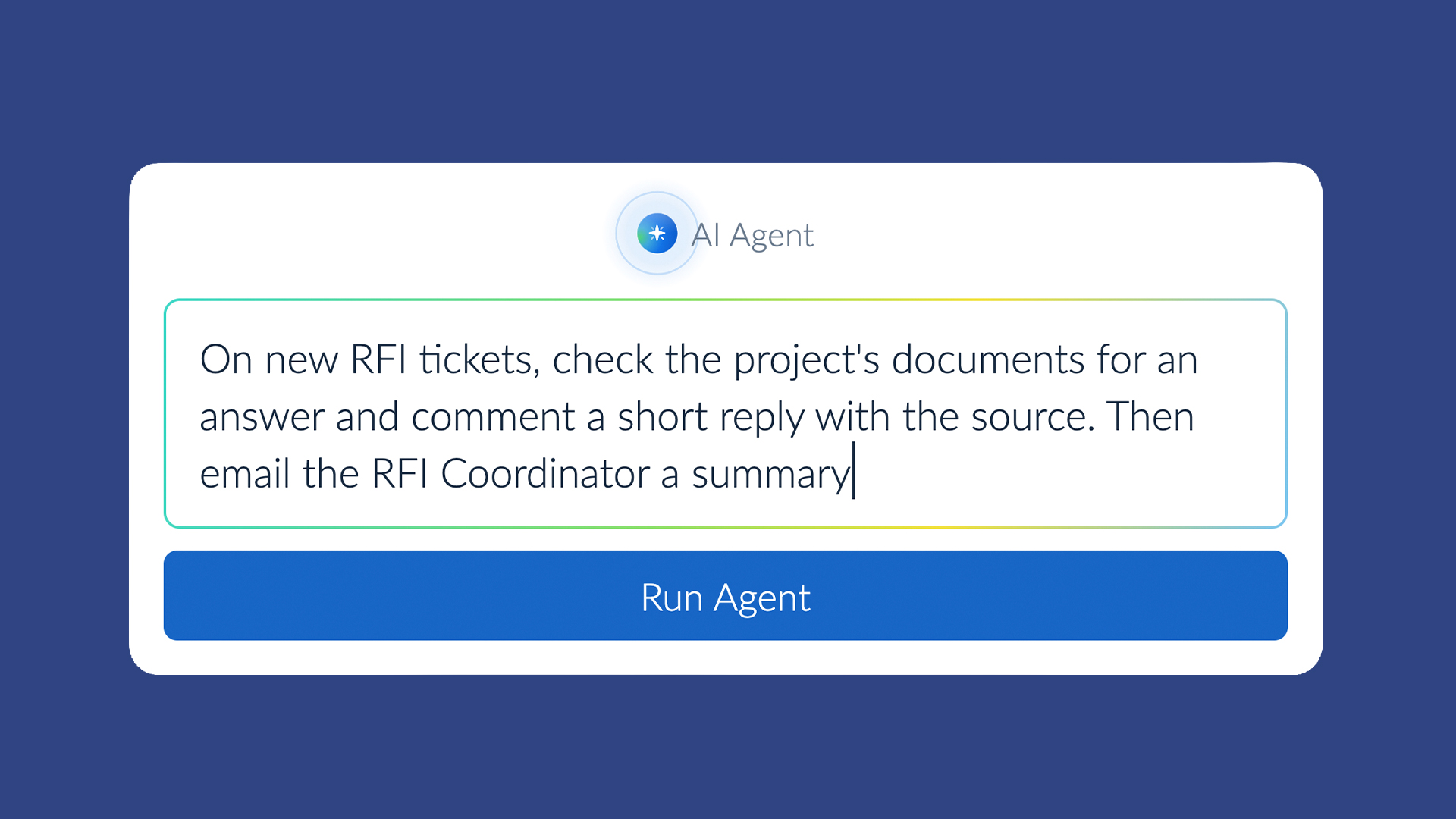
Reads an incoming RFI, searches the project's documents, and drafts a reply with the source document named. Every action is logged and attributed to the person who set it up. Teams can preview what an agent will do before it runs. Included across all existing PlanRadar plans. -
 Tooling
Tailorbird builds 3D models of existing multifamily buildings from social media photos
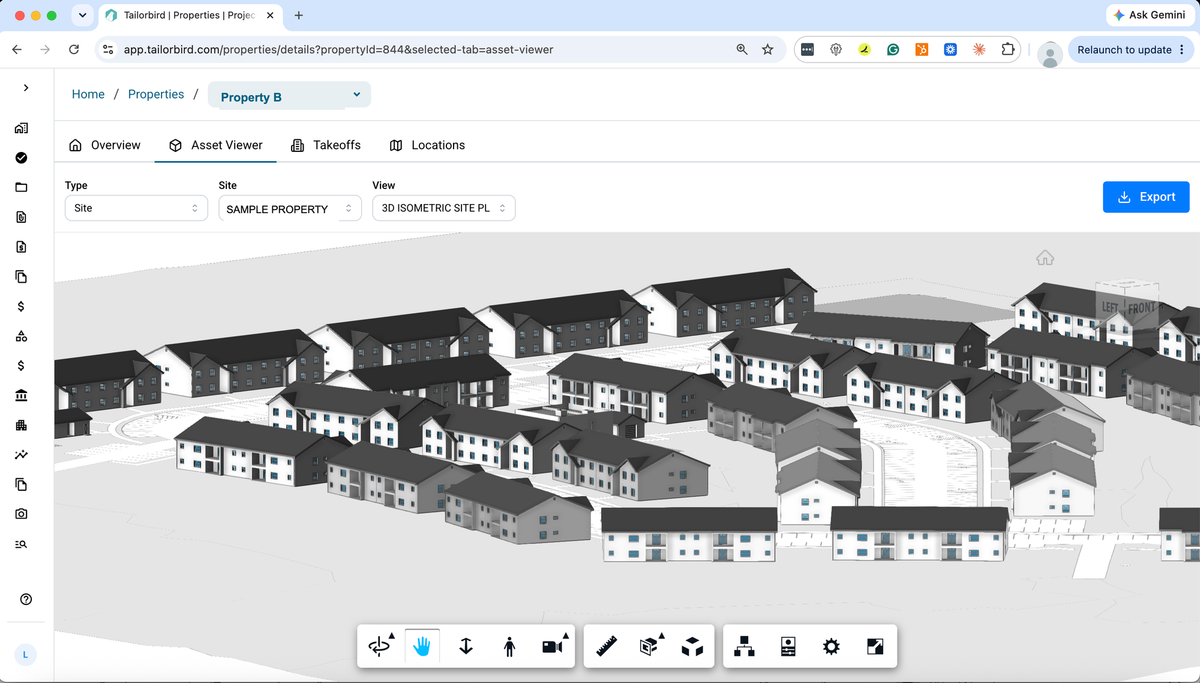
Pulls geotagged photos and work order records to build floor plans, material lists, and fixture counts. Harbor Group reports a full 3D model accurate to an eighth of an inch in about three days. Worth a look for renovation scope or pre-acquisition work. -
 Tooling
Illoca Plamo turns sketches and reference images into editable parametric 3D geometry
Browser-based, currently in free beta. Accepts sketches, photos, or plain-language descriptions and returns parametric 3D geometry with dimensions that stay adjustable after generation. Free beta includes 1,000 credits; pricing beyond that is not yet announced. -
 Tooling
Amazon Quick adds AI assistance inside Word, Excel, PowerPoint, and Outlook
An extension inside Microsoft 365 that lets staff draft content, pull from connected data sources, and analyze information without leaving the application. The person writing specs, handling fee proposals, or managing project correspondence in Word or Outlook is the likely first user.